

Explore the connection.
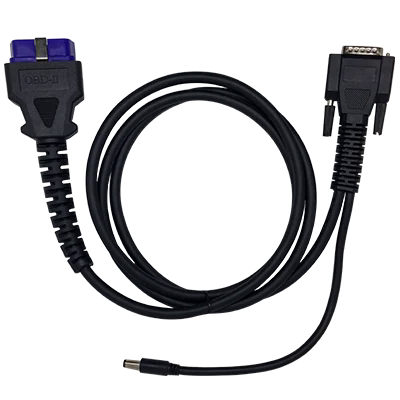
First unlock the car and get in. From the driver’s seat, connect the OBD2 cable to the device, then to the socket below the steering wheel.
 İstanbul
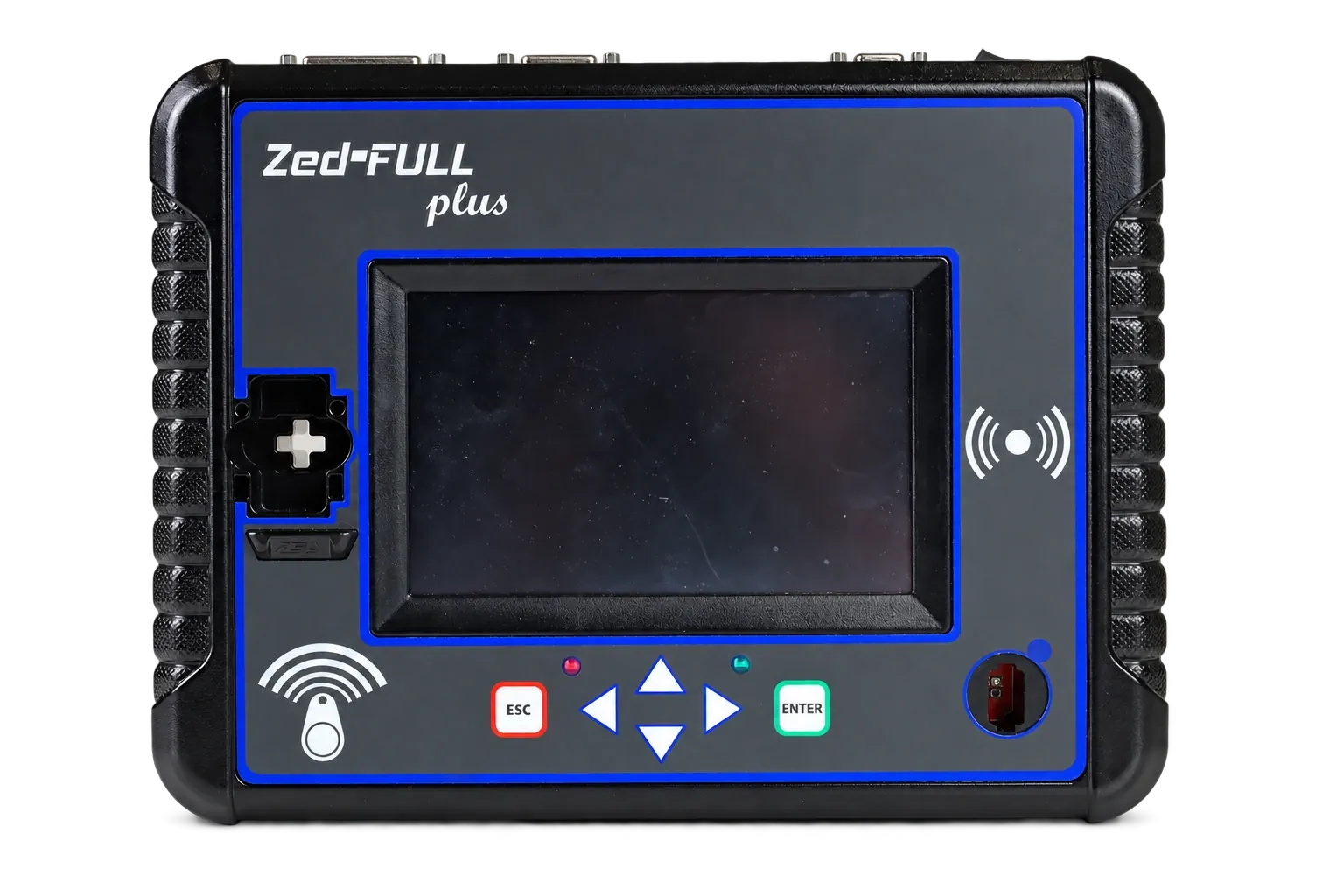
Meet Zed-FULL plus. Explore the workflow from connection to key testing, and get started with free training and technical support.
Try the walkthroughStart by unlocking, connect the cable and explore the device. Finish by trying the lock and unlock controls.
First unlock the car and get in. From the driver’s seat, connect the OBD2 cable to the device, then to the socket below the steering wheel.
The device is in front of you in the driver’s seat. Tap the POWER switch on its top panel, then explore the actual menu on screen.
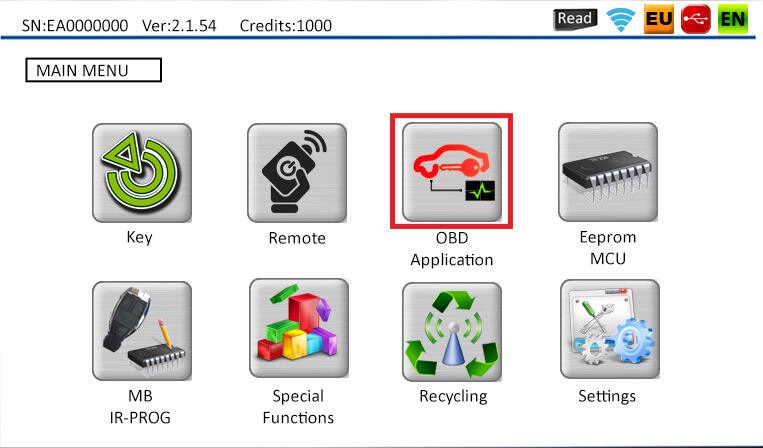
Tap OBD Application on the screen. This is an original Zed-FULL plus screen capture.
Tap Standard OBD on the real device screen to open the brand list.
Tap the arrow on the right of the screen. On the next page, tap Renault to select the brand.
Key programming is complete. Now tap the OBD2 socket below the steering wheel to disconnect the cable. Then we will take the device and cable and leave the vehicle.
The cable is unplugged. Take the device and cable with you and exit through the open driver’s door.
Call us for information or free training.
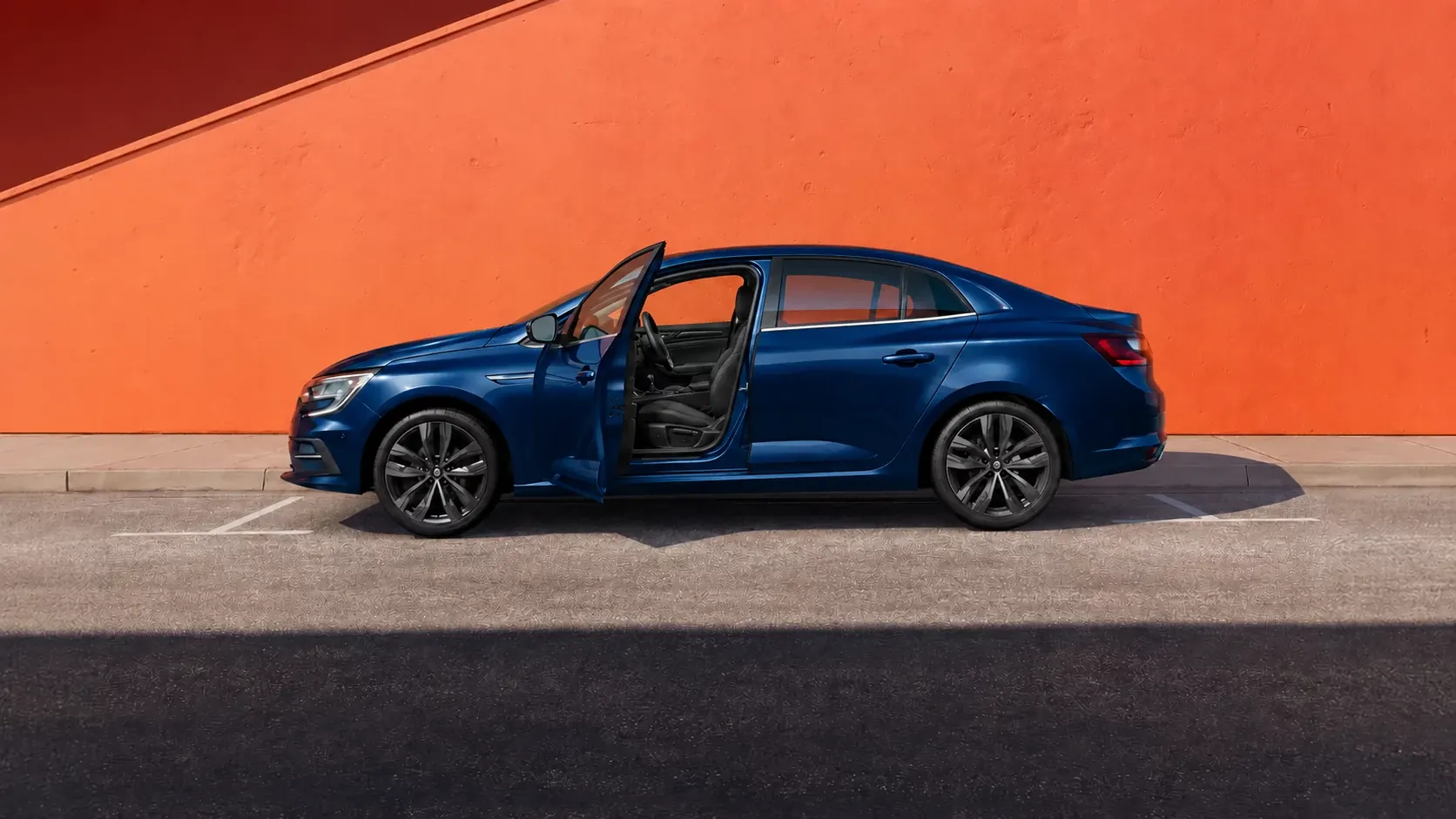
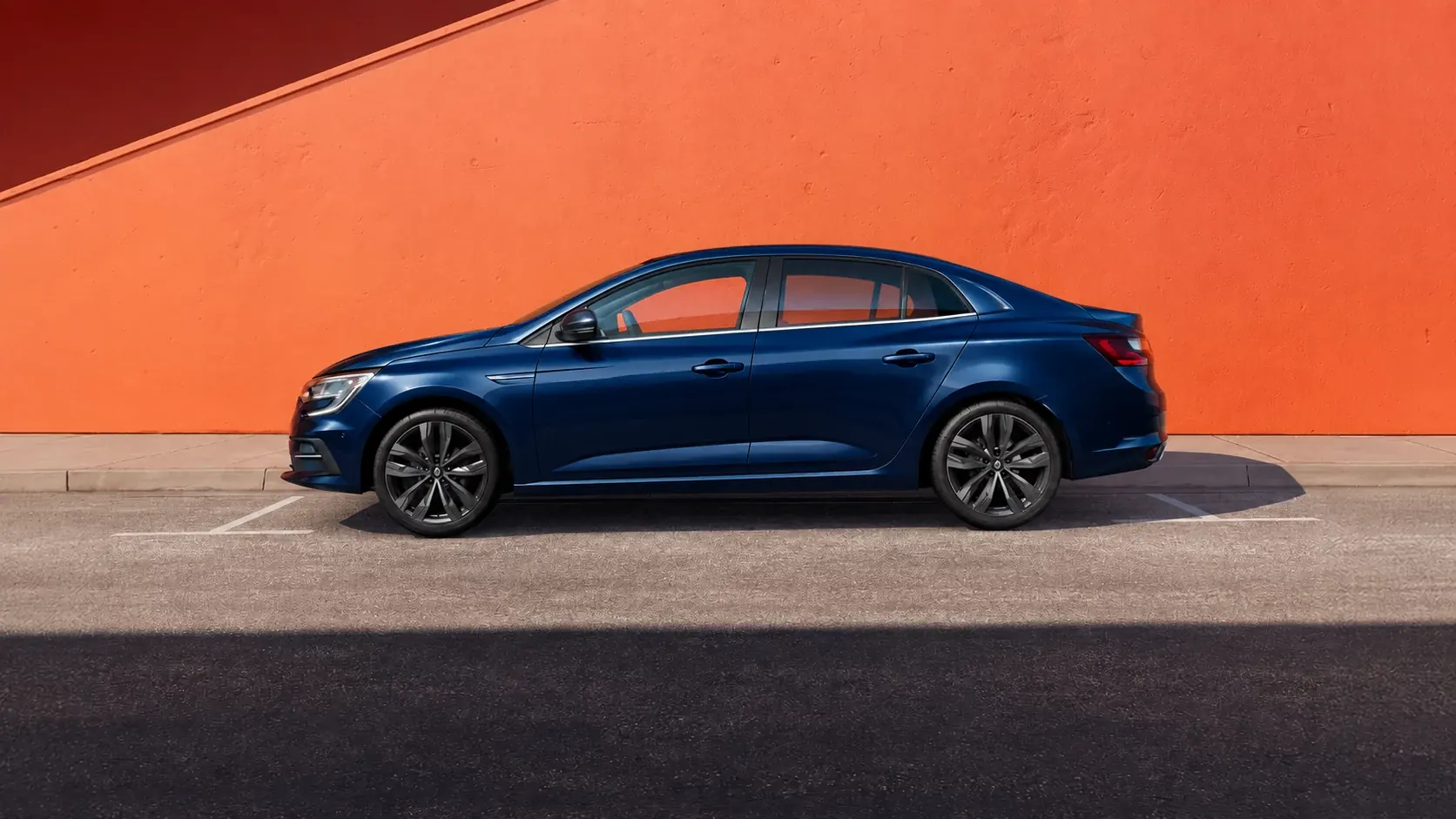
The interior photo shows a Renault Megane Sedan. The doorway view, door and cable movements, and the OBD port close-up are illustrative. Device menus use actual Zed-FULL plus screen captures. Vehicle-specific procedures are covered in free training. The key programming step is simulated for this demonstration.
Speak directly with our technical team about applications and device use.
Contact technical supportFind out about free training to get started and learn to use the device.
Get free trainingFollow the device menus and instructions using its available language options.
Explore the device