Evolving application coverage
Follow developments in transponder, remote, OBD and EEPROM/MCU applications through the current coverage lists.
 İstanbul
A professional key programming device. Use Zed-FULL plus to manage transponder cloning, remote programming and supported OBD and EEPROM/MCU operations from one platform.
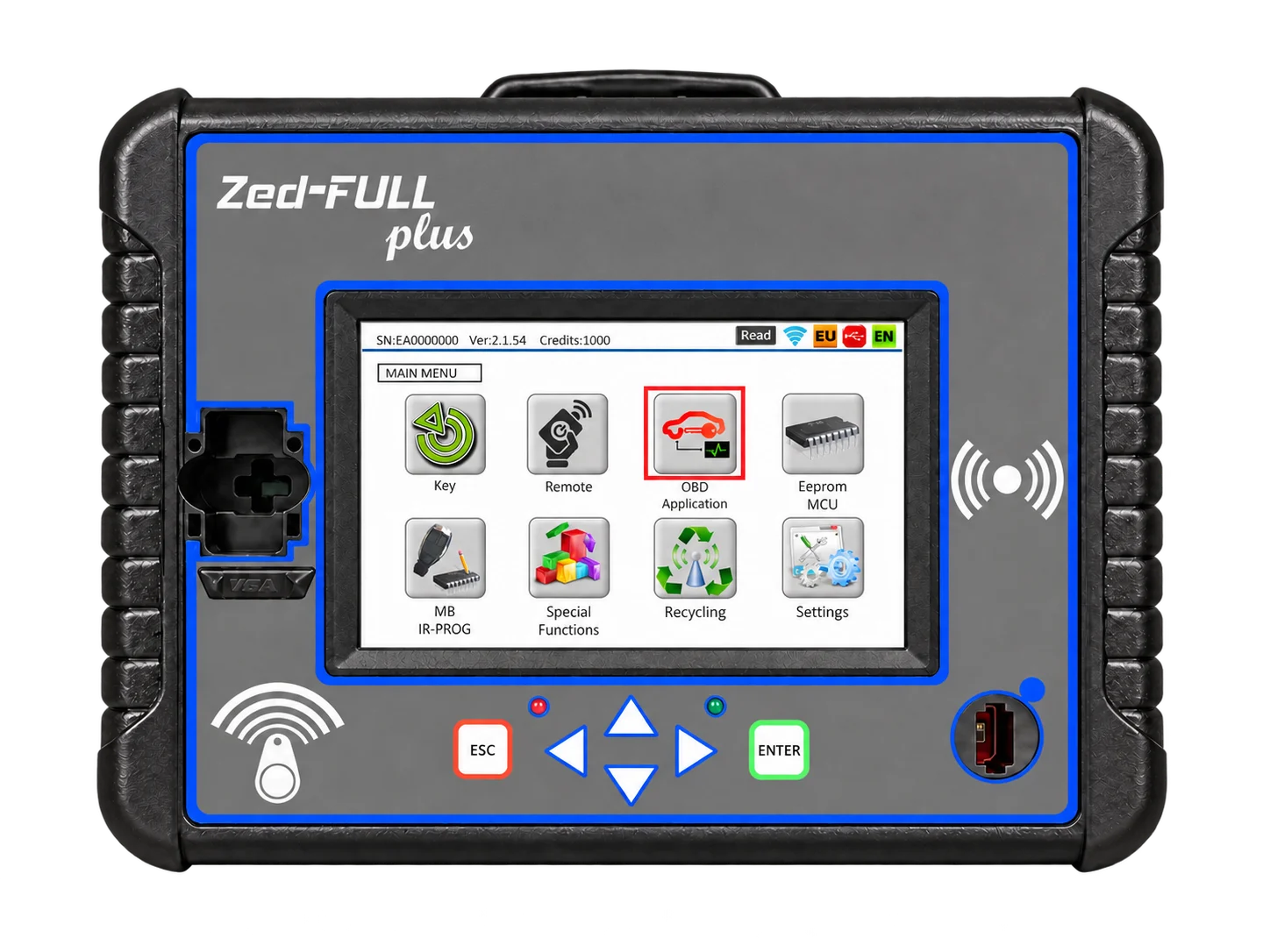
IEA's electronics and computer engineers continue working on Zed-FULL plus hardware and software. New applications, software updates and application-specific accessories support the platform's development.
Follow developments in transponder, remote, OBD and EEPROM/MCU applications through the current coverage lists.
Access PC software, the USB driver and SD card update files directly.
Explore cables, adapters and modules developed for different vehicle systems, along with their uses.
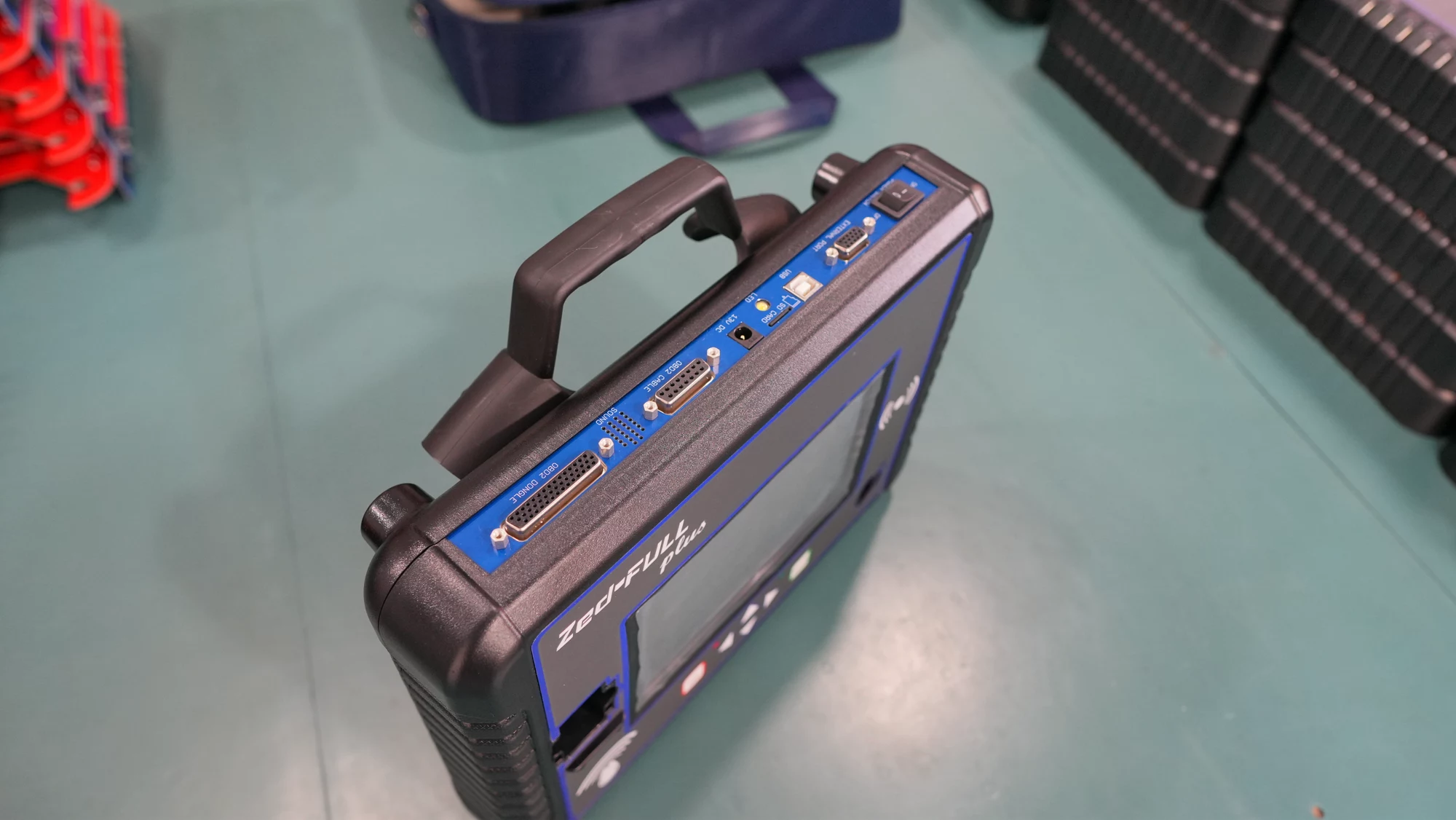
Zed-FULL plus brings transponder, remote, OBD and EEPROM/MCU applications together. The manufacturer specifies a 7-inch HD-TFT screen and supported 12 V / 24 V vehicle applications. OBD2 provides the vehicle connection, while USB connects to a computer. A probe cable can check voltage and continuity in supported applications. A steering wheel holder can support vehicle work; confirm whether these accessories are included in the quoted package.
The device has no usage fee. An annual credit system applies. Contact our team for information about credit coverage, software packages and the applications you need.
Application-specific cables and adapters supplement the basic OBD2 and USB connections. ZFH-C04 serves BMW CAS connections, ZFH-C18 selected gateway applications and ZFH-EA1 removed 8-pin EEPROMs. The ZFH-UTE-2 emulator additionally requires a ZFH-C15 connection cable. Mercedes-Benz NEC, EWS-3 and other module adapters are not interchangeable. Read each accessory’s purpose in the catalogue below and match its part code to the vehicle application guide.
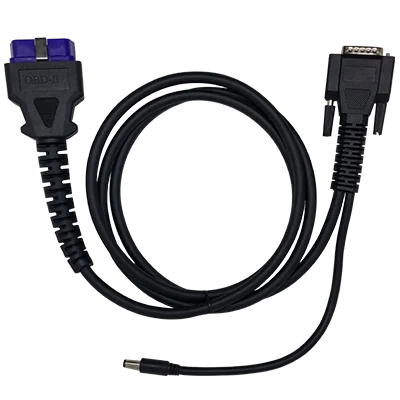 ZFHC-OBD2
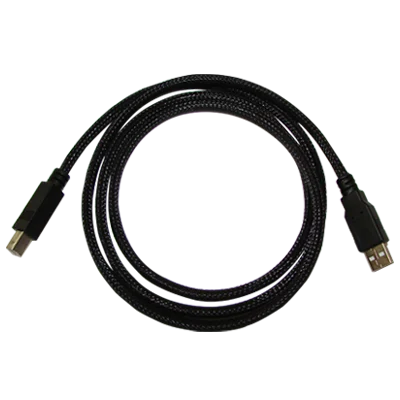 ZFHC-USB
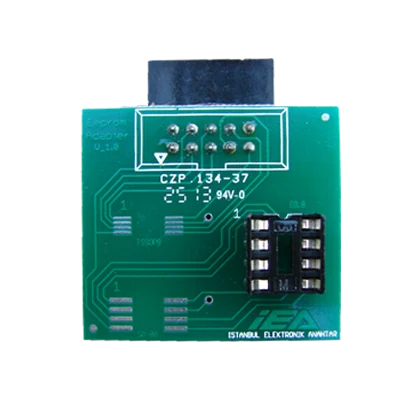 ZFH-EA1
First identify the vehicle make, model, year and immobiliser system. Then check the current coverage list, selected operation, device software, licence and required connection parts. OBD procedures and module-based EEPROM/MCU work are different methods. Incorrect wiring or power supply can damage electronic modules. Follow the application screen and official wiring diagrams. If uncertain, contact technical support with the vehicle and device details.
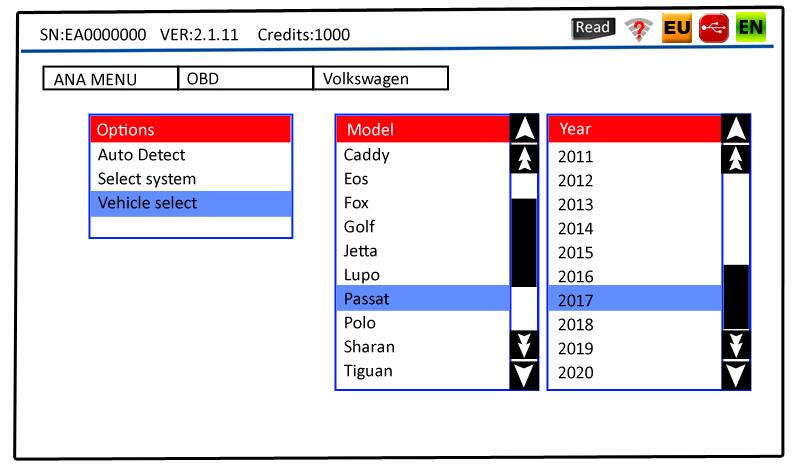
Download the PC software, USB driver and SD card update here. Links lead to IEA's official download source.
Device management, updates and PC-based applications.
Download softwareDriver package required for USB connection and device recognition by the computer.
Download driverOfficial update package for Zed-FULL plus SD card content.
Download updateFeatures, official software, 2026 application lists, training videos and accessories in one place.
Zed-FULL plus combines the cloning, programming, PIN code, OBD and electronic module operations required by immobilizer specialists in one platform.
Zed-FULL plus provides separate workflows for reading, identifying and cloning supported fixed-code and encrypted transponders. Identify the source key’s transponder family before choosing a compatible blank chip. Reading support does not mean every chip can be cloned. Philips, Texas and Megamos families require different chips and conditions; the manufacturer specifies an internet connection for Hitag2 cloning. Check the current transponder list, device software and application licence together.
Cloning one remote to another and registering a new remote to a vehicle are different operations. Manufacturer examples include Fiat remotes with 48 transponders and one, two or three buttons, plus Hitag2-based remotes. These applications use the appropriate IEA emulator remote. Appearance alone does not establish compatibility: check the transponder system, frequency and application. Supported remote resetting operations may require separate software packs and connection accessories.
Zed-FULL plus can prepare supported blank transponders for specific vehicle systems. Families such as PCF7935, PCF7936 and Texas 4D-60 use different preparation workflows. Pre-coding is not registration to the vehicle: the prepared key must subsequently be registered using the appropriate programming method. Supported blanks can therefore reduce the need to stock a separate prepared chip for every vehicle. Match the chip type and vehicle system in the manufacturer’s current list.
EEPROM and MCU applications work with data from the relevant immobiliser, ECU or BSI module. Supported systems may allow PIN calculation, pre-coded transponder preparation or working key data generation. The device displays application-specific module and board images. Connections vary by module; some operations require removal, soldering or a dedicated adapter. The PC software can also process supported binary or hex files. Verify the module type, wiring diagram and read data before continuing.
Zed-FULL plus offers key, remote, proximity key and card registration through the diagnostic socket on supported vehicles. Available PIN reading and key deletion functions depend on the vehicle system. A listed make and model does not imply support for every year or key scenario. Check the year range, operation columns and official PDF notes together. Gateway or application-specific cables may be needed in addition to the standard OBD2 cable. Follow the instructions for the selected vehicle.
The manufacturer describes additional functions for supported systems, including PIN calculation from keys or vehicle information, selected transponder resets and remote unlocking. Mercedes-Benz IR, BMW EWS/CAS and selected Fiat ECU applications do not share one connection layout. Software, key or processor type and accessories must be assessed for each operation. For example, ZFH-MBNEC is an adapter for supported Mercedes-Benz NEC key processors. Brand-level coverage does not imply support for every security system.
The 7-inch HD-TFT touch screen displays application menus, vehicle selections and instructions for supported workflows. EEPROM applications can show module and board images; transponder and remote operations can display relevant product information. Physical directional buttons, ESC and ENTER provide menu control. Transponder, card and Mercedes IR reading areas serve different purposes. A connection or antenna’s function should not be inferred solely from the shape on the front panel.
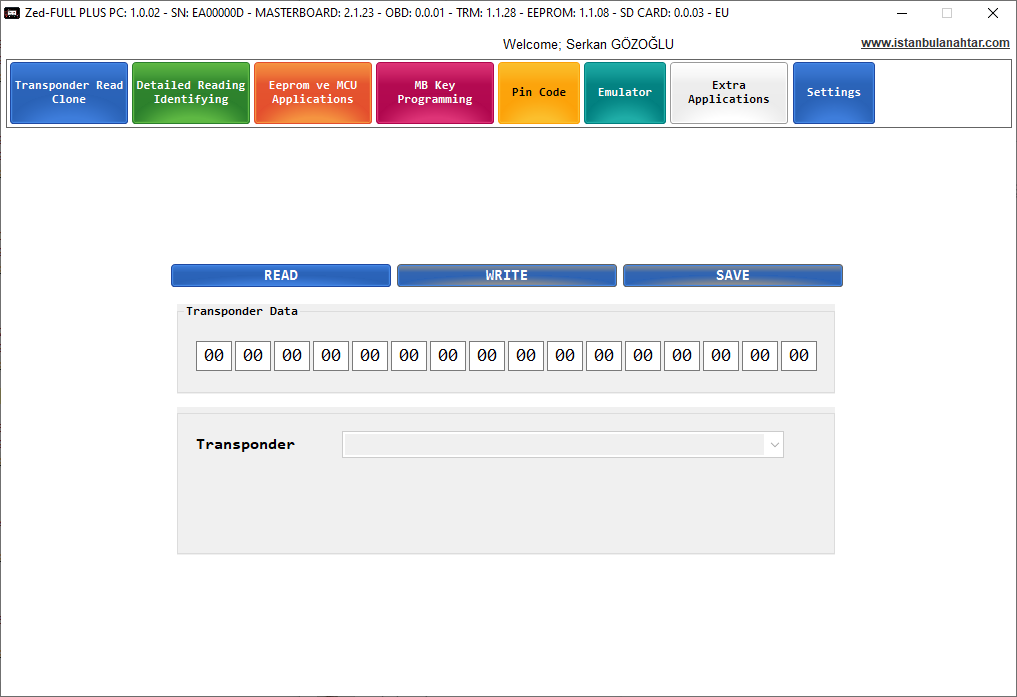
Alongside standalone applications, Zed-FULL plus offers functions that use a computer connection. USB supports driver installation, board updates, EEPROM files and supported online operations. The PC software requires a connected device and has limited functionality without internet access. Zed-NET supports credit loading and eligible activations. Main, transponder, OBD, remote and EEPROM boards and SD card content have separate update areas; check the relevant versions before an application.
Search for a brand and open the latest PDF list in a new tab.
No application list matches this name.
Vehicle programming and operating videos from IEA’s official channel.
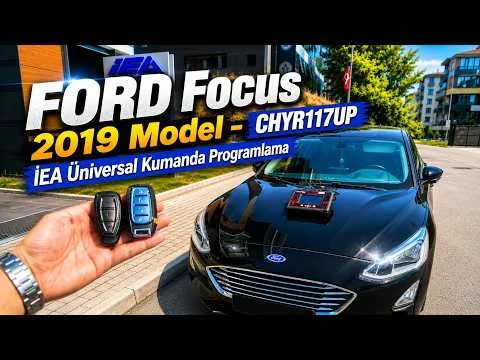 Ford Focus 2019
Universal remote programming
Watch video
Ford Focus 2019
Universal remote programming
Watch video
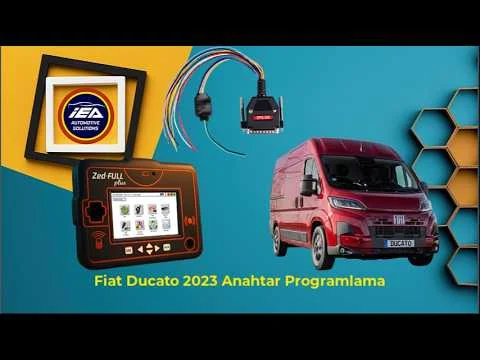 Fiat Ducato 2023
Key programming
Watch video
Fiat Ducato 2023
Key programming
Watch video
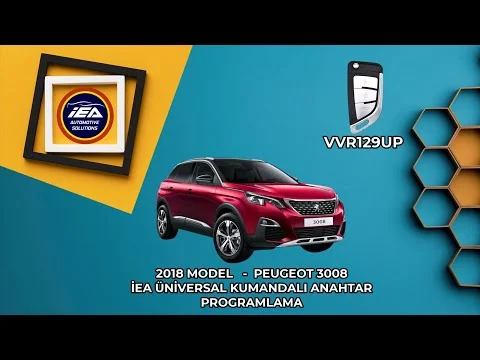 Peugeot 3008
Universal remote programming
Watch video
Peugeot 3008
Universal remote programming
Watch video
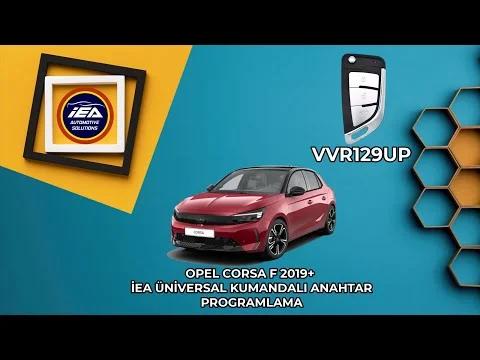 Opel Corsa F 2019+
Remote key programming
Watch video
Opel Corsa F 2019+
Remote key programming
Watch video
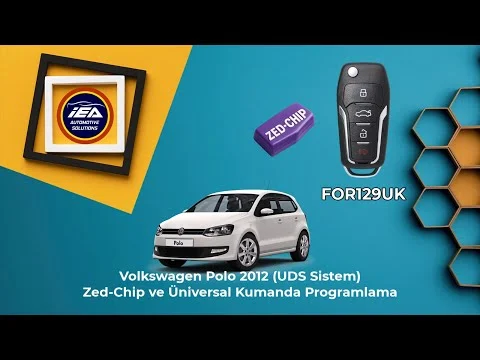 Volkswagen Polo
Zed-Chip and remote programming
Watch video
Volkswagen Polo
Zed-Chip and remote programming
Watch video
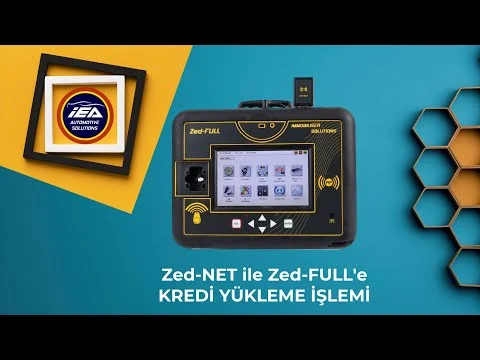 Zed-NET
Credit top-up
Watch video
Zed-NET
Credit top-up
Watch video
Select the parts below according to the application. Check package contents and separately required parts before ordering.
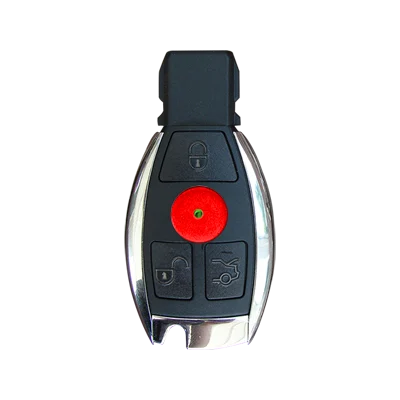
ZFH-UTE-2 provides transponder emulation in supported applications. The ZFH-C15 connection cable is supplied separately.
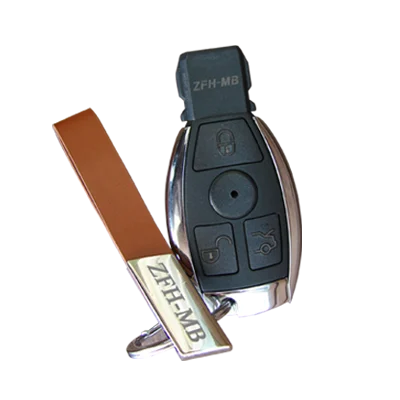
Reads vehicle data during smart key programming.
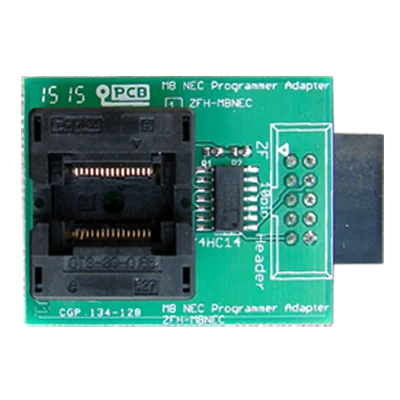
Adapter for reading and resetting the NEC processor in the original key.
Provides the USB connection between Zed-FULL plus and a computer.
Connects the device to the vehicle’s OBD2 port for on-vehicle programming.
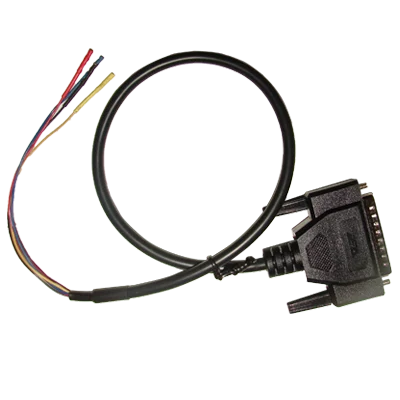
Provides a connection for BMW key programming through the CAS unit.
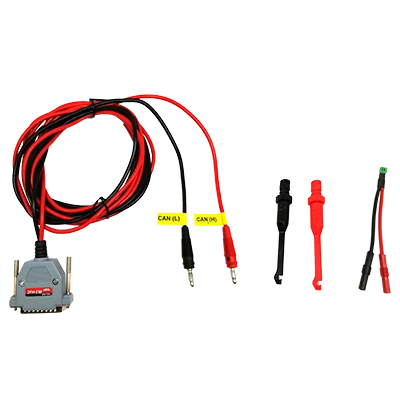
Key programming connection for post-2018 Chrysler and Renault Clio 5 platforms.
Reads removed 8-pin EEPROMs with Zed-FULL plus.
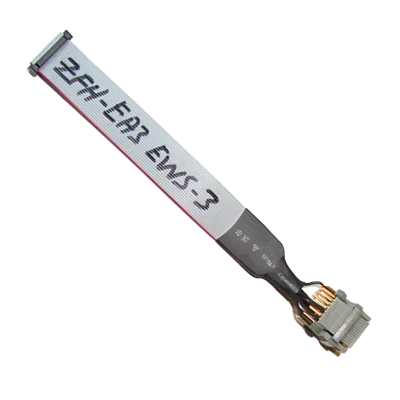
Helps read the 52-pin processor on EWS-3 modules without removing it.
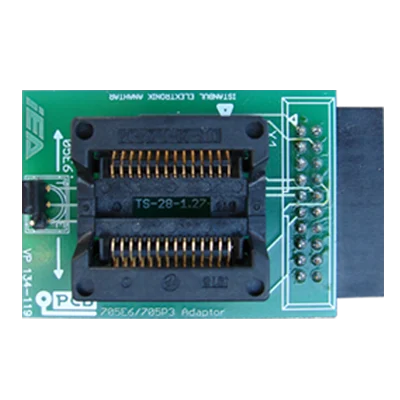
For EEPROM/MCU operations and Mercedes-Benz smart keys with Motorola processors.
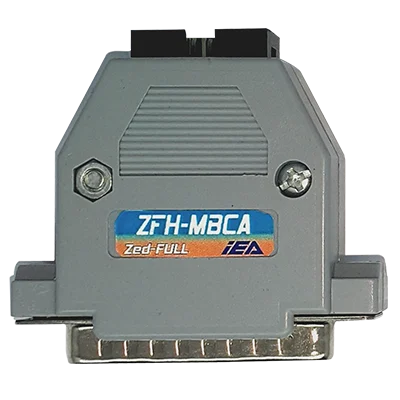
Main adapter for Mercedes-Benz applications, used with MBC1–MBC5 cables.
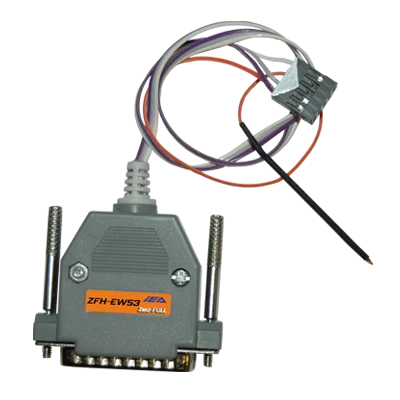
Reads the EWS-3 processor through the socket without removing it.
Basic connections and remotes: ZFH-UTE-2, ZFH-MB, ZFH-MBNEC, ZFH-CP, ZFHC-USB, ZFHC-OBD2, ZFH-EMI and ZFHC-HKRP.
Cable series: ZFH-C02P, C03, C04, C05, C07-2, C08-2, C09-2, C12, C13, C14, C15, C17 and C18.
EEPROM adapters: ZFH-EA1, EA2, EA3, EA4, EA5, EA6, EA8, EA9, EA10, EA11, EA12 and EA13.
Mercedes-Benz kit: ZFH-MBCA with ZFH-MBC1, MBC2, MBC3, MBC4 and MBC5.
ECU applications: ZFH-5SF, ZFH-5SF3, ZFH-5NF, ZFH-ME73 and ZFH-ME731.
Special readers: ZFH-EWS3-2, ZFH-DONGLE1 and ZFH-DONGLE5.
View the product on IEA Market and proceed with your purchase. You can also contact our team for help choosing a device and applications.